
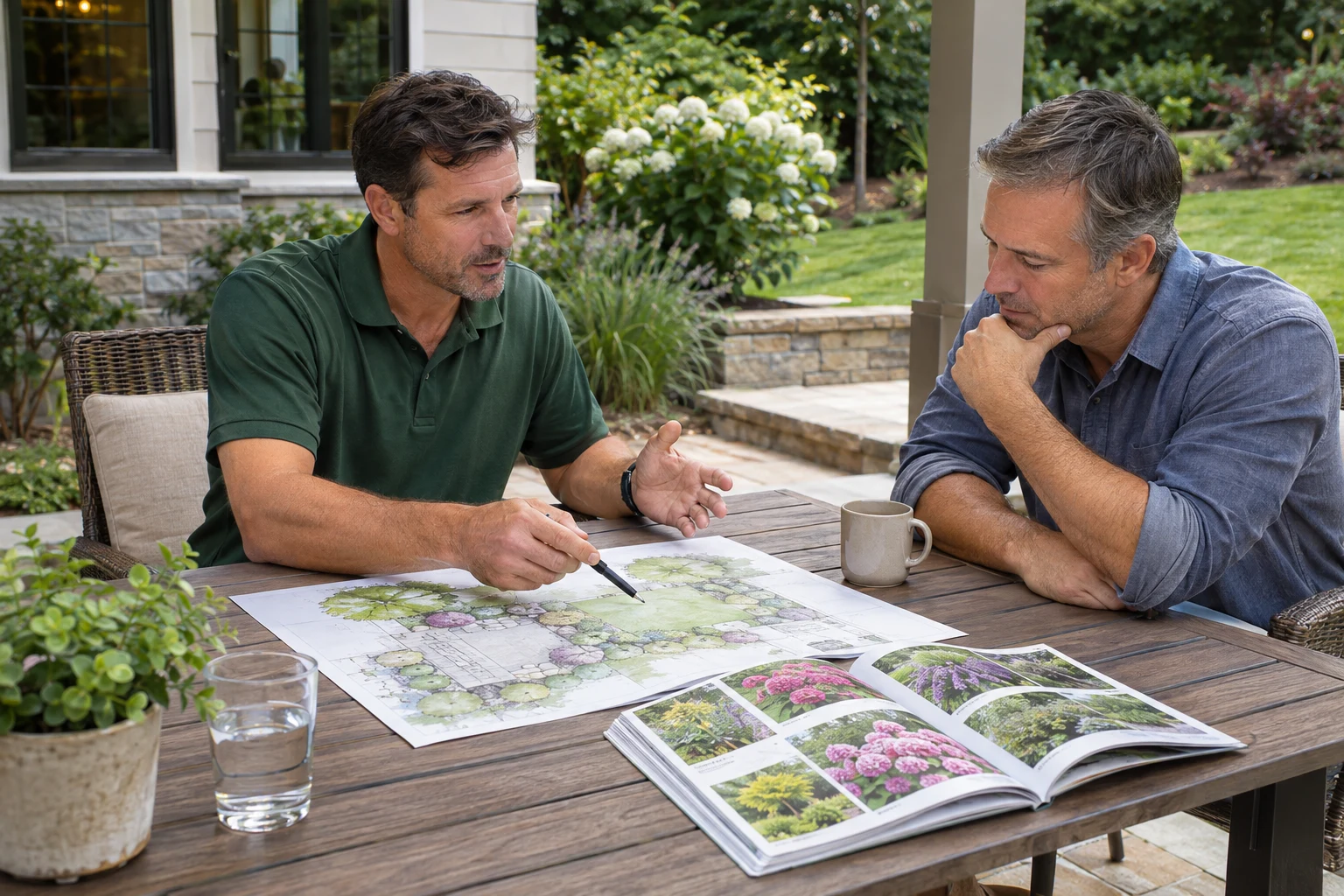
A landscaping project portfolio should help a prospective customer understand the work you perform and whether their project fits. Choose real examples for that purpose before selecting the prettiest photographs.
An image gallery can attract attention while leaving the hiring decision unanswered. Pair the images with useful service descriptions, clear project boundaries and an understandable next step.
Select examples for the service you want to sell
Start with the work your company wants to repeat. If your priority is garden renovation, a gallery dominated by maintenance visits sends a different message. If commercial grounds care matters, make it easy for that buyer to find the relevant information.
Choose examples that show a meaningful variation in scope or customer need. A dozen nearly identical views of one property can make a gallery longer without helping someone assess a different type of request.
Explain your role in the surrounding copy
For each project included in your service story, verify what your team actually did. Distinguish design, installation and maintenance responsibilities. Where another professional or contractor delivered part of the work, do not imply your company completed everything in the photograph.
Keep the explanation in ordinary service or project copy, with useful images alongside it. Avoid placing internal production notes or image commentary on the finished page. If a claim about materials, timing or results cannot be confirmed, leave it out.
Build a usable image collection
Keep original files, permission records and approved project details in an internal asset collection. Identify which images can be used publicly and whether any customer identifiers should be excluded. Ask for permission before publishing recognizable people or private property information.
Select images that remain understandable on a phone. A wide overview may establish the project, while a separate view can show a relevant detail. Check that the page loads the actual files and that responsive sizing does not obscure the work being discussed.
- Confirm the property and the work shown.
- Verify the right to publish each selected file.
- Choose a useful overview and any necessary detail views.
- Write accurate alt text without invented project claims.
- Remove duplicates that add no new information.
Connect the portfolio to an assessment
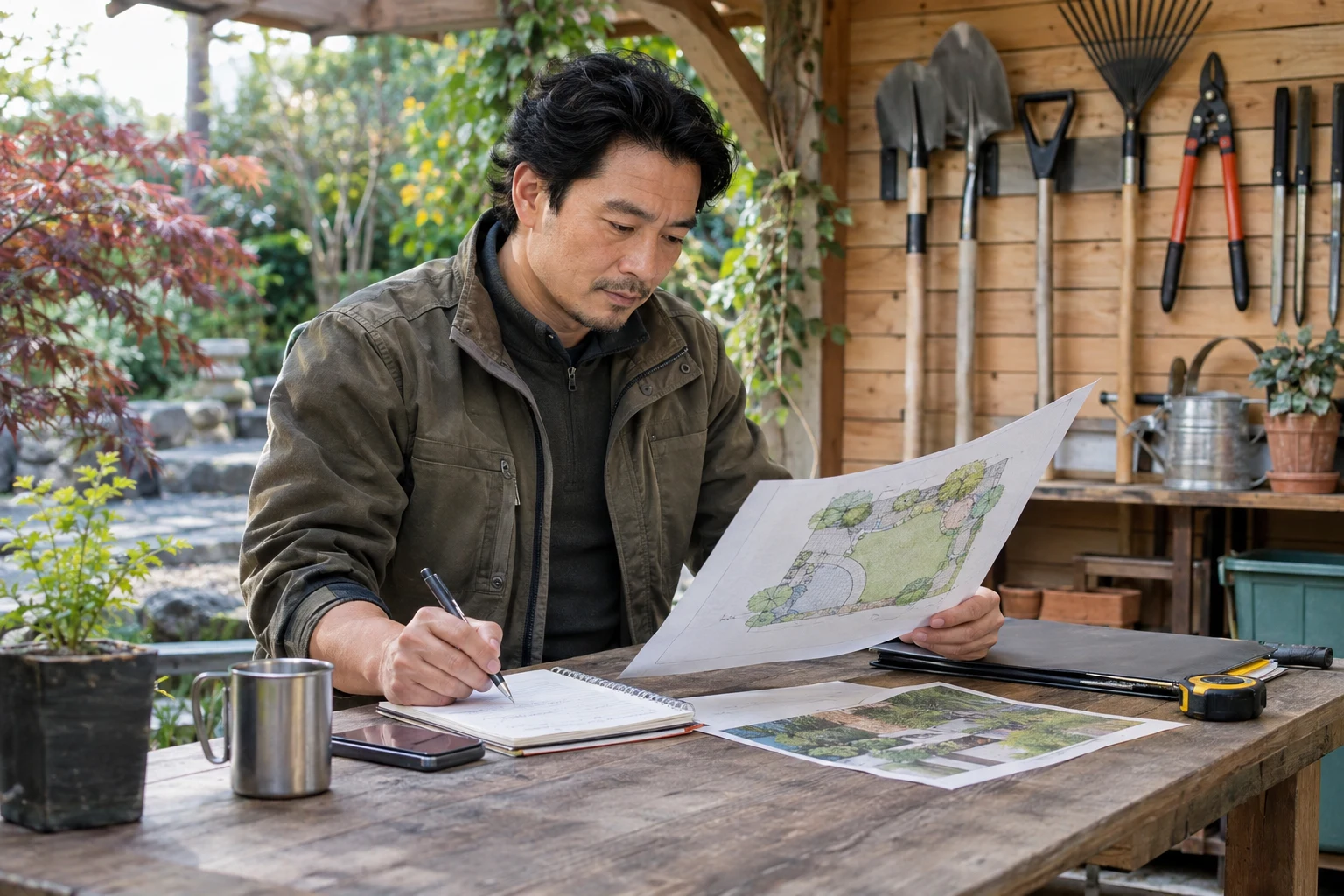
Give readers a way to move from a relevant example to the service and its consultation process. Explain what they should describe when getting in touch. The objective is to start a realistic conversation, not promise that their site can reproduce a pictured result.
If customers regularly misunderstand what the initial visit includes, explain your landscape design consultation process before they request it. Photographs cannot settle design fees, deliverables or scheduling.
Review usefulness after the page is built
Open the page on desktop and mobile and try to identify the service, scope and next step without prior knowledge of the business. Ask someone outside the project team which example relates to the job you want more of.
Correct misleading labels and unsupported statements before adding more images. The strongest portfolio is the one that helps an appropriate customer recognize a credible match.
Put it into practice
Make visual proof support the offer
ClickK's website and marketing work for landscaping companies connects approved photographs with service-specific copy. Bring your real image collection and the project types you want it to explain.
Discuss your landscaping website